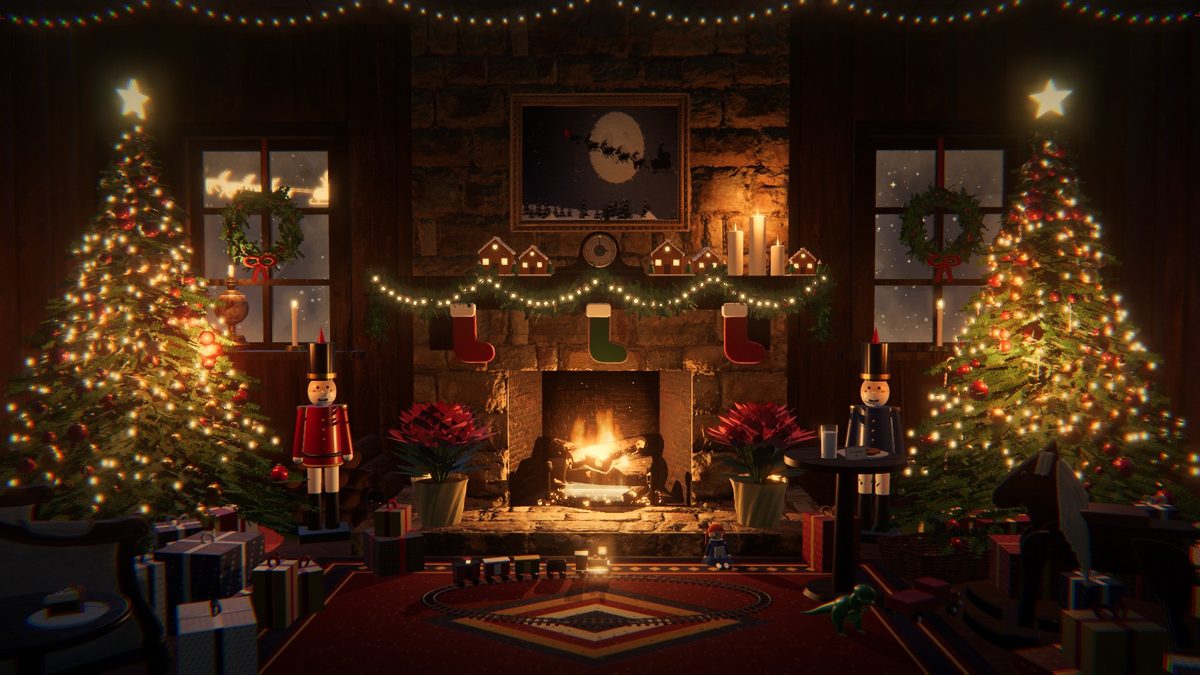
A Virtual Fireplace for Your TV
No chimney? No problem. HolidayFireplaces turns any TV, monitor or laptop into a warm, crackling fireplace, as a background for parties, work, reading or falling asleep.

Open the fireplace Free · runs in your browser · press F for full screen
How to put a fireplace on your TV
- Smart TV: open your TV's web browser and go to holidayfireplaces.com.
- Chromecast or Google TV: in Chrome on your computer, open the site, then choose Cast and cast the tab.
- Apple TV: use AirPlay screen mirroring from a Mac, iPhone or iPad.
- HDMI: connect a laptop to the TV and open the site.
Then press F for full screen and H to hide the on-screen controls. On a phone or tablet, use the full-screen button and add the site to your home screen to open it like an app.
More than a looping video
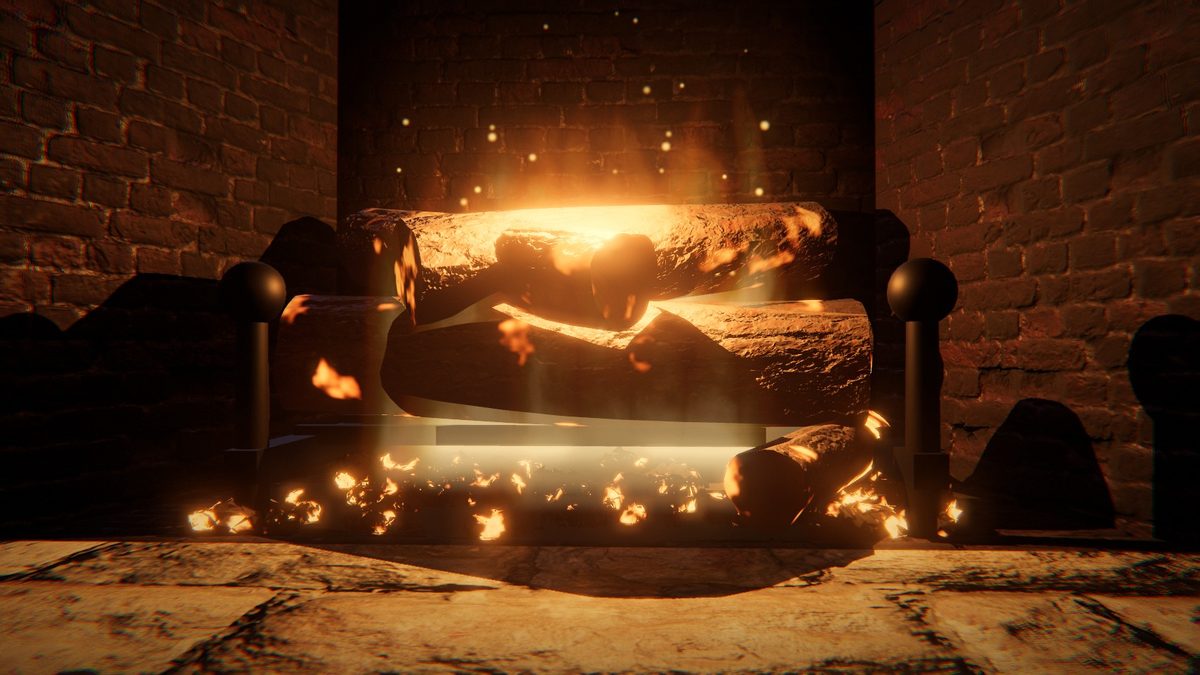
The whole room is real-time 3D: the firelight flickers across the stone and logs, shadows move with the flames, snow or rain falls outside the windows, and you can change the camera, weather, time of day and decorations at any time. It also adjusts its graphics automatically so it runs smoothly on phones and older computers.
Great for
Holiday parties, a calm work-from-home backdrop, date nights, reading, meditation and sleep. Pair it with the rain and thunderstorm scenes or a snowy cabin for extra atmosphere.
Frequently asked questions
Do I need to download anything?
No. It runs in the web browser. Any recent version of Chrome, Edge, Safari or Firefox with WebGL works.
Will it slow down my computer?
It adapts its graphics quality automatically. If it feels slow, choose the Balanced or Mobile graphics setting.
Can I use it as a screensaver?
Yes, open it in full screen and hide the controls. Your device may still dim the screen after a while; adjust its sleep settings if needed.